Selected work · 2025 – 2026
Dailyfood App
Type
Food and drinks platform
Duration
6 months
Year
2025 – 2026
Role
Chief Technology Officer
Outcome
Three surfaces live from two codebases rather than four
Tools
- Flutter
- React
- Next.js
- TypeScript
- Vite
- Tailwind CSS
- TanStack Query
- Zustand
- Recharts
- React Hook Form
- Zod
- Sass
- Vercel
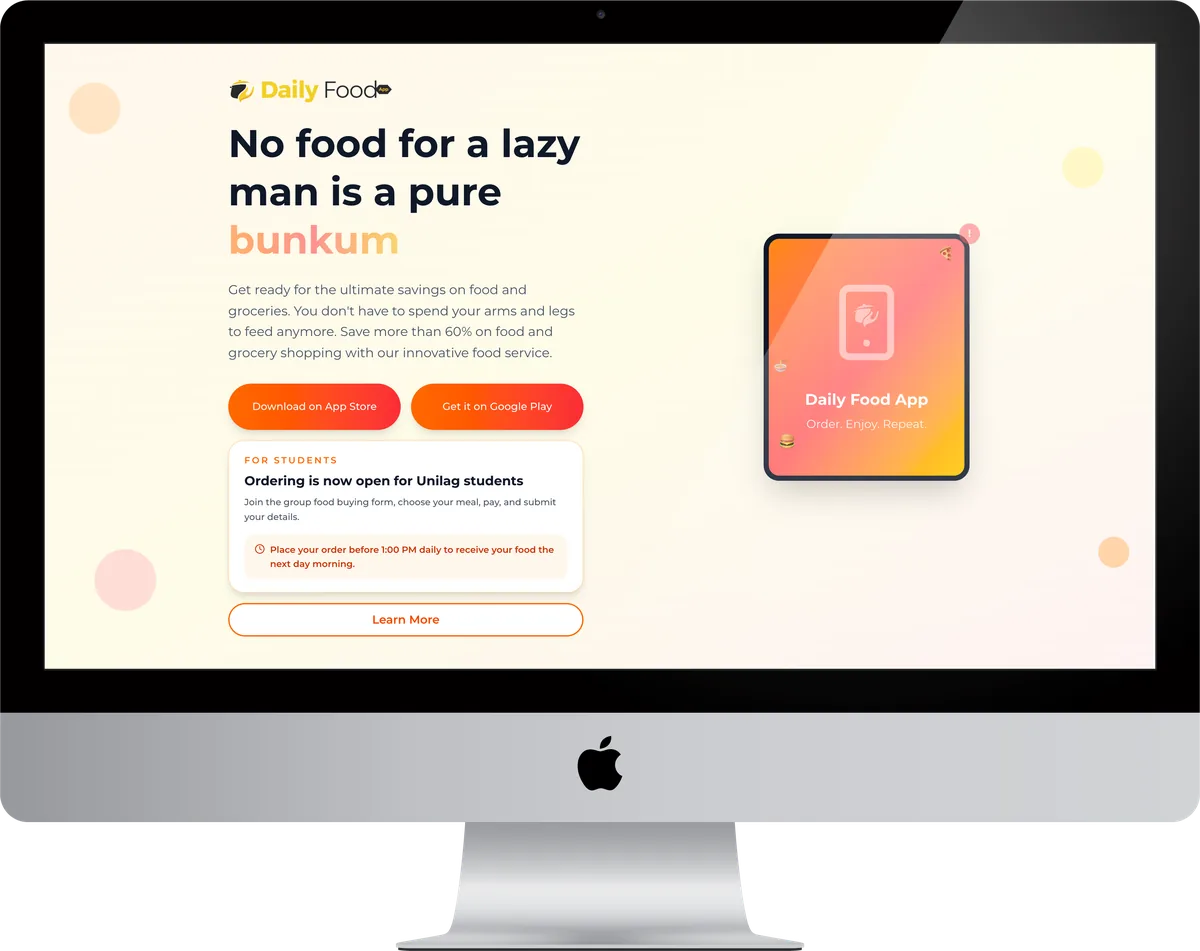
A food and drinks ordering platform spanning three separate products: native mobile apps for customers, an admin panel for the people running the service, and a public landing page. Flutter for the apps so one codebase serves both stores; React and Next.js for the admin panel and the marketing site.
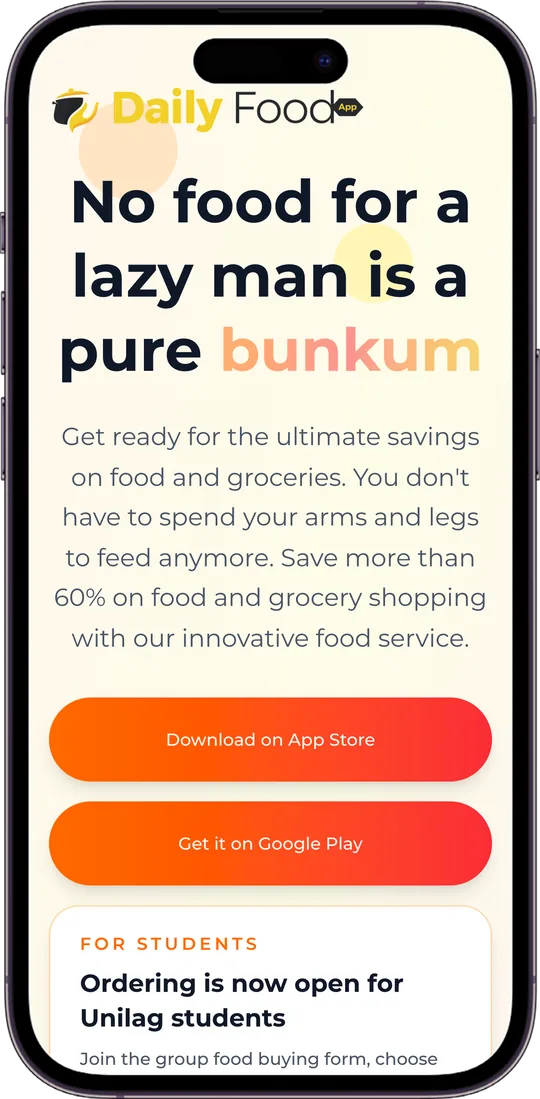
Dailyfood is three products wearing one brand: mobile apps for customers on both stores, an admin panel for the people running orders, and the public landing page. The apps are the product, the panel is where the business actually happens, and the landing page is what convinces anyone to download either.
Flutter carries the apps so a single codebase serves iOS and Android, which is the only way a team this size ships to two stores at once. The panel and the site sit on React and Next.js, deployed to Vercel, so web changes never wait on an app review. Both apps are live in the App Store and on Google Play.
Inside Dailyfood App
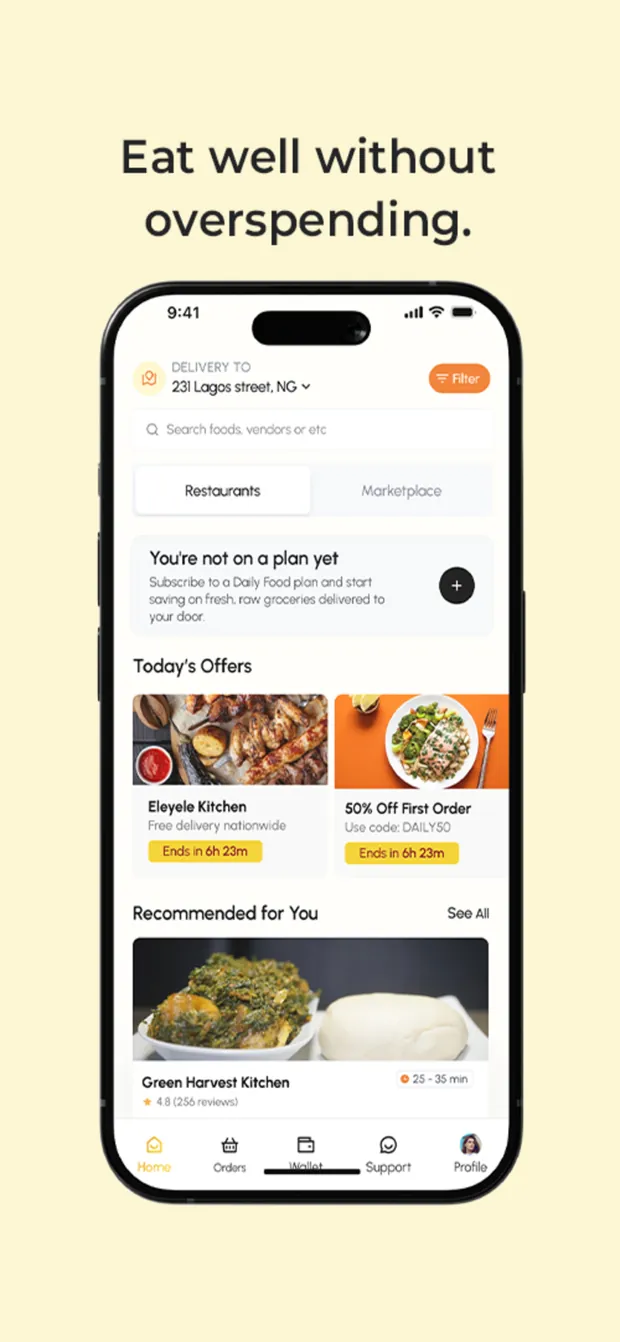
One app, two different shopping trips
Dailyfood sells cooked meals and raw groceries, and those are not the same errand: one is dinner in thirty minutes, the other is a week's shop. Rather than build two apps or force one into the other, the home screen splits at the top into Restaurants and Marketplace and keeps a single delivery address, cart and account underneath. Today's Offers carries live countdowns, and the subscription prompt sits inline instead of on its own upsell screen. Flutter throughout, which is the decision that let one team ship this to both stores at once.
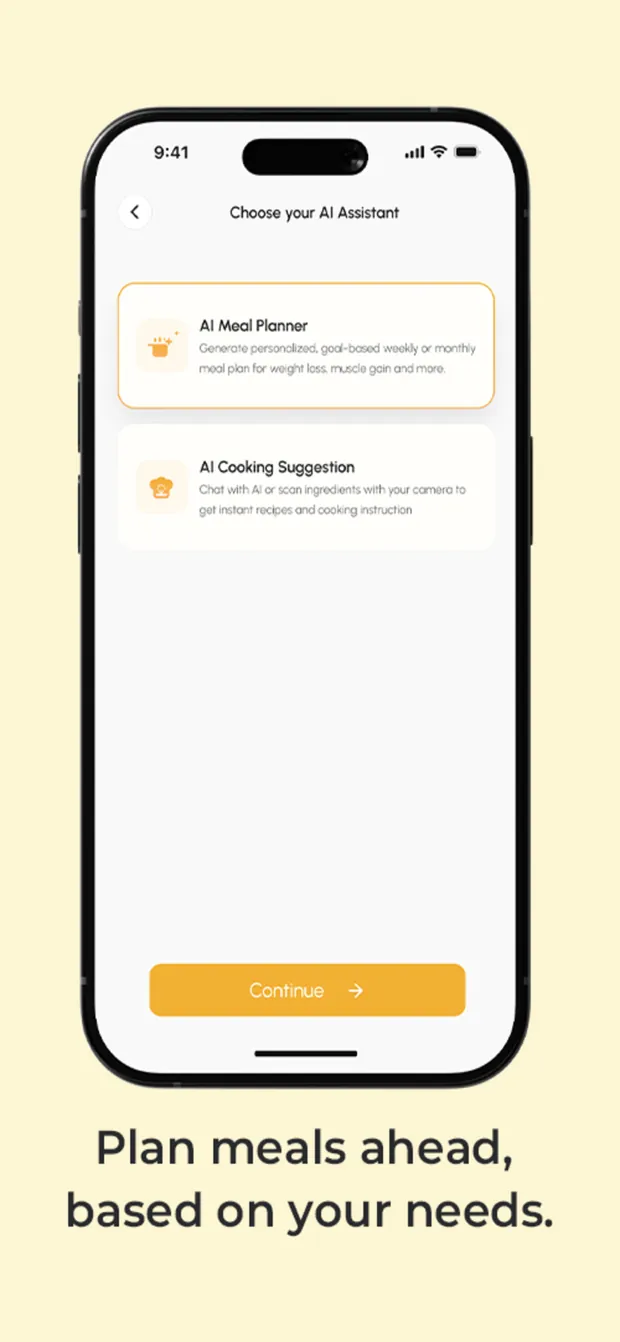
Making the choice explicit instead of guessing
Two assistants, offered as a fork rather than hidden behind a chat box: a planner that builds a weekly or monthly plan against a goal like weight loss or muscle gain, and a cooking assistant you point a camera at to get a recipe from whatever is already in the kitchen. Splitting them at the entry point means the model is given a task rather than left to infer one from an opening message, which is the difference between a feature and a novelty.
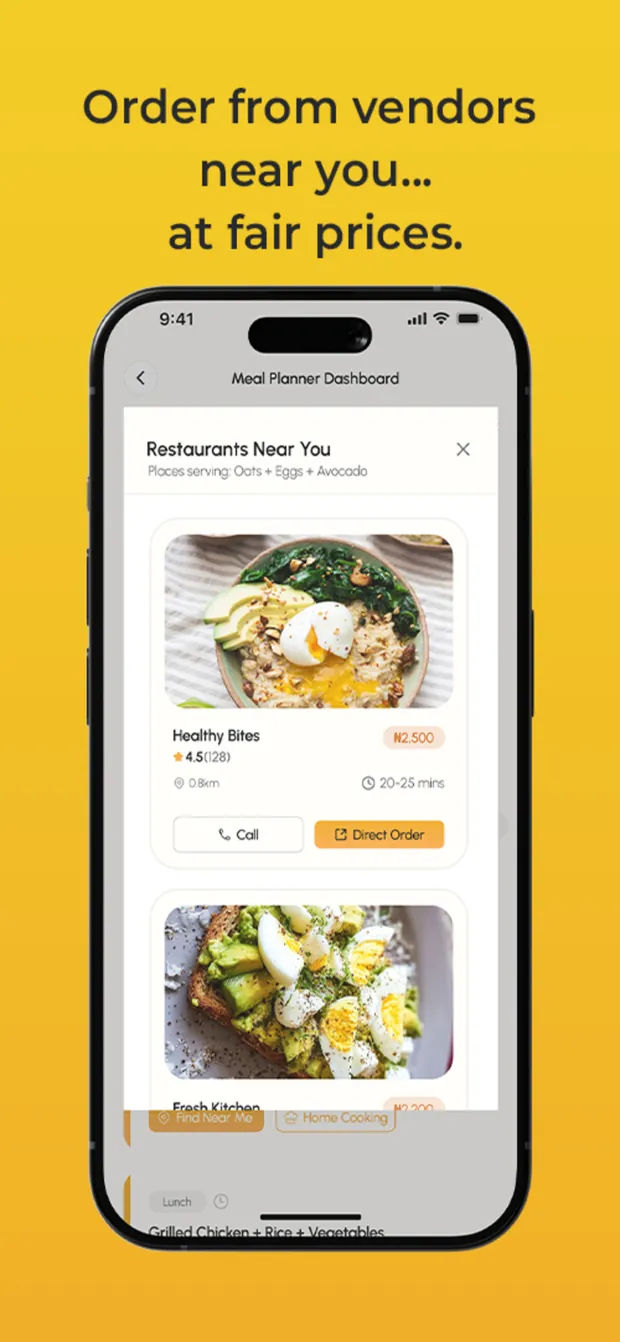
The join the whole product rests on
A plan nobody can act on is a spreadsheet. So the planner dashboard does not stop at telling you what to eat: it lists vendors near you who serve the specific meal on the plan, with distance, rating, price and a direct-order button on each. Matching plan to vendor rather than to a search term is the hard part, and it is the reason the meal plan and the ordering surface live on one screen instead of two.
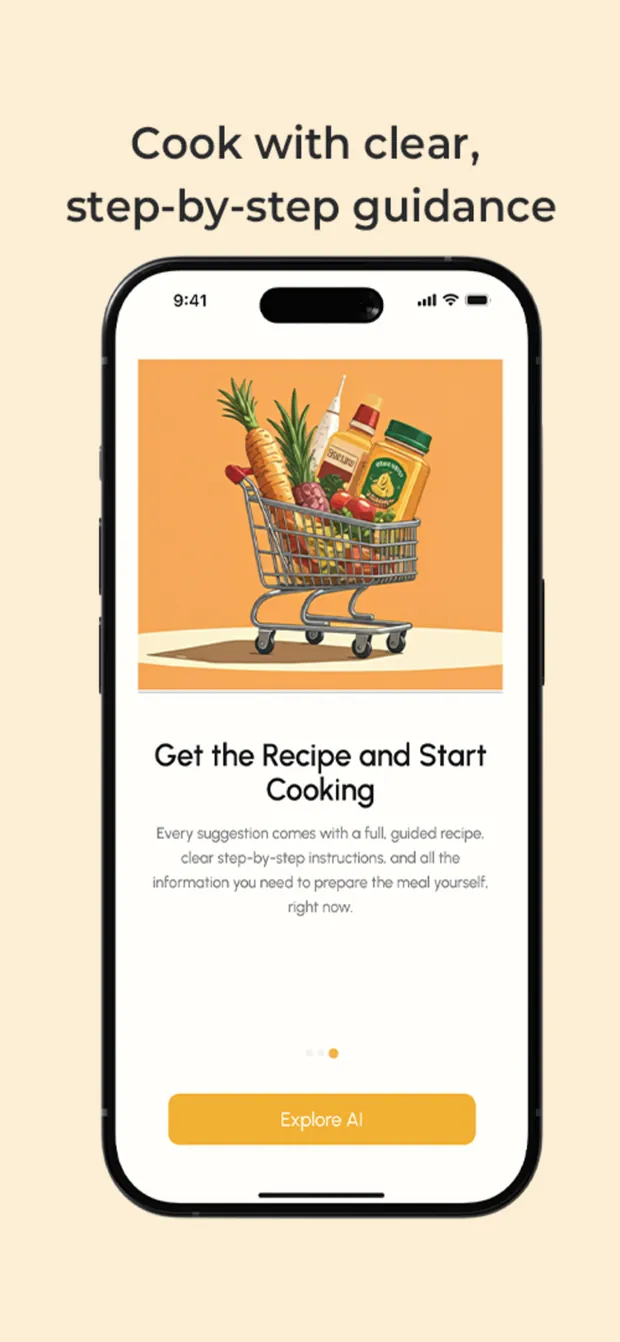
The other branch of the same decision
If you would rather cook it than order it, every suggestion carries a full guided recipe with step-by-step instructions, in the app rather than as a link out. It closes the loop the planner opens. Decide, then either have it delivered or be told exactly how to make it, without the app handing you off to a search engine at the moment it was finally being useful.